

Import meets
Hy-Tek integration
Import Hy-Tek meet event files into SwimClub Manager, collect entries from members and export the entry file for the organising club.
Meet files handled
- Import Hy-Tek event files
- Gather entries from members
- Export entries for host clubs
Meet files
Import and export Hy-Tek files for your meets
When a meet organiser sends a Hy-Tek event file, SwimClub Manager can bring the meet structure into your club account so you can collect entries without rebuilding every event manually.
After swimmers or parents have made their selections, you can export the entry file to send back to the organising club.
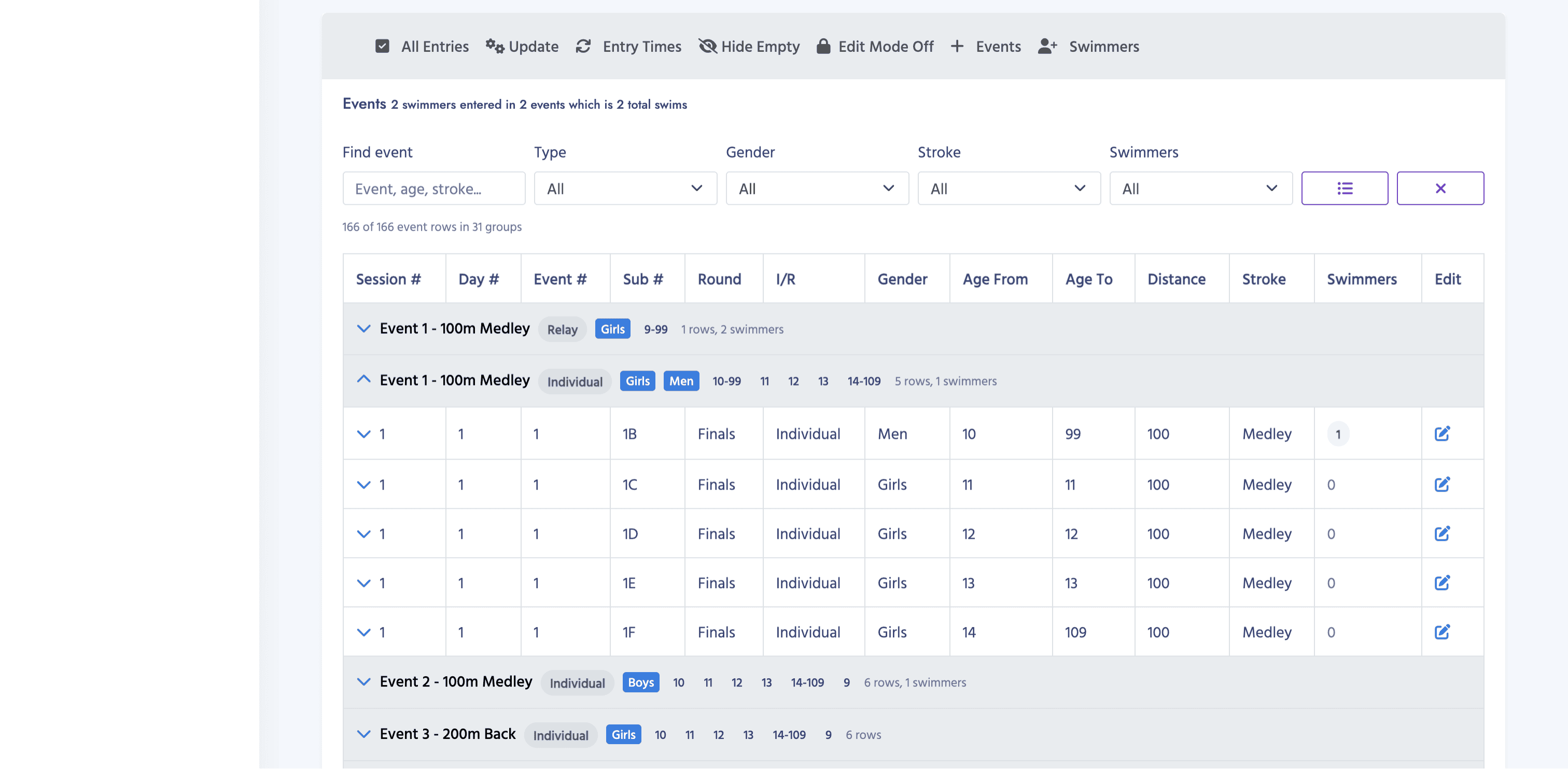
- Import Hy-Tek meet event files into SwimClub Manager.
- Email members and collect entry selections online.
- Export the entry file for the host club when selections are ready.
Benefits
Meet admin with fewer duplicate jobs
Less manual setup
Use the meet file as the starting point instead of typing events, distances and strokes into another system.
Cleaner member communication
Invite members to choose events from the imported meet details, helping reduce back-and-forth messages.
Ready-to-send exports
Create the entry file needed by the organising club once your selections are confirmed.
Workflow
Managing Hy-Tek meets works like this
SwimClub Manager handles the event details and entry file, so you do not have to rebuild the meet by hand.
- Import the meet events file.
- Send emails to your members so they can select their events.
- Export the entry file to send back to the organising club.
More ways to run your club
Explore every SwimClub Manager feature
See how the rest of the system helps with attendance, payments, galas, reporting and more.