

Take attendance
Take attendance in a few clicks
Using the app or the desktop, taking attendance is as simple as a few clicks.
Attendance that keeps up
- Mark swimmers from the app or desktop
- See missed sessions quickly
- Keep attendance reports ready
Poolside registers
Save time every session
Attendance should not slow down the start of a session. SwimClub Manager gives coaches and volunteers a quick way to mark swimmers as present or absent from the mobile app or desktop, so the register stays up to date without paper lists being passed around poolside.
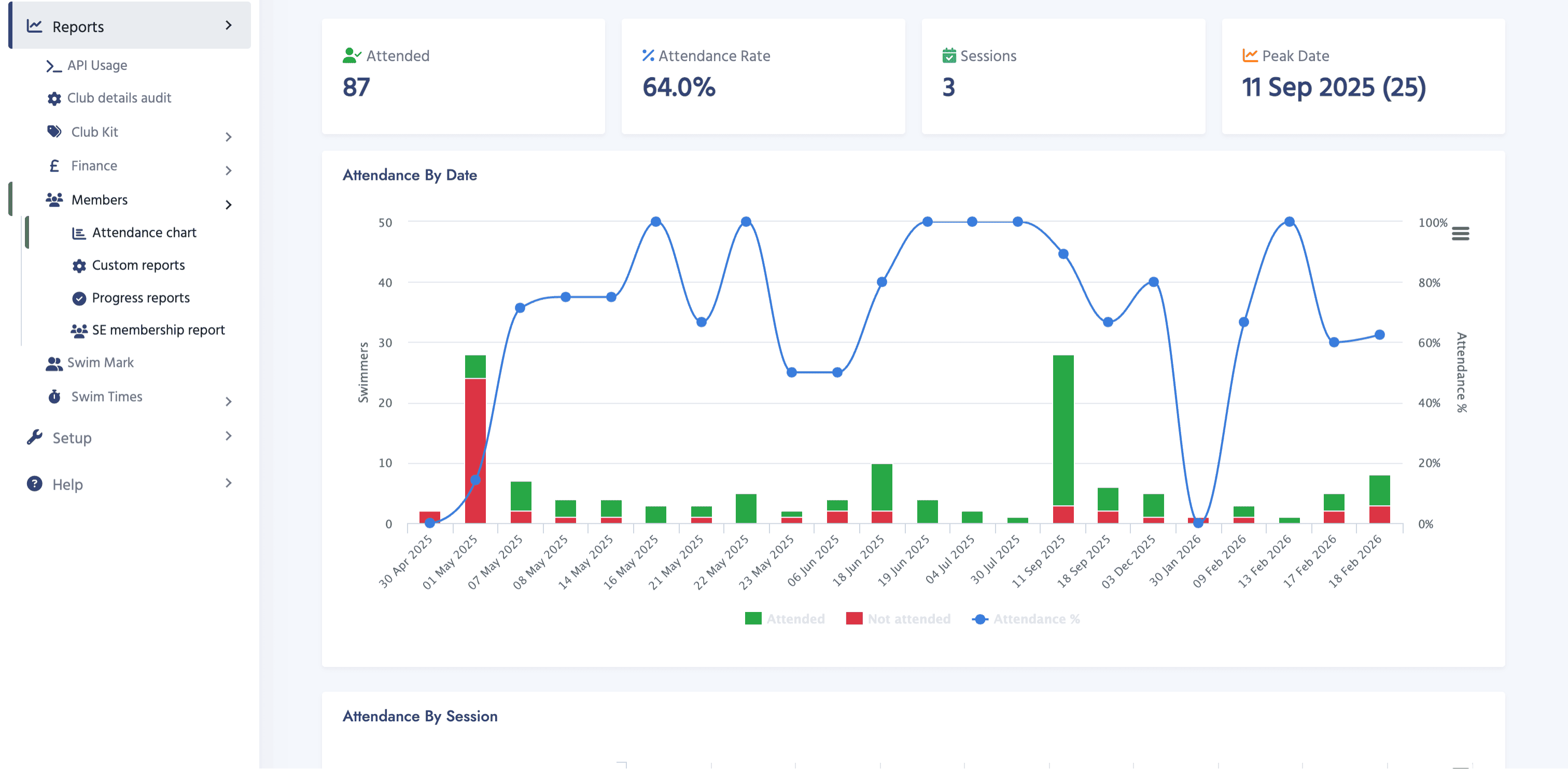
Because the attendance data lives with the rest of the member record, you can spot missing swimmers, check engagement and keep useful history for coaches, welfare officers and administrators.
- Mark attendance from the native mobile app or desktop admin area.
- Use clear present and absent actions so registers can be completed quickly.
- Keep attendance history connected to swimmers, squads and sessions.
Why clubs use it
Attendance that becomes useful club information
Faster registers
Coaches can take the register in a few taps, which helps sessions start cleanly and reduces admin after training.
Better visibility
Administrators can see who has been attending, who has missed sessions and where follow-up may be needed.
Useful reporting
Attendance reports help committees understand member engagement without building separate spreadsheets.
How it works
A simple flow for busy pool decks
Open the right session, tap each swimmer as present or absent, and let SwimClub Manager store the result against the member record.
- Choose the session or group you are coaching.
- Tap the tick for each swimmer attending and the cross for anyone absent.
- Review attendance later in reports whenever the club needs the detail.
More ways to run your club
Explore every SwimClub Manager feature
See how the rest of the system helps with attendance, payments, galas, reporting and more.